博客内容Blog Content
安装服务器轻量级监控工具 Install the lightweight server monitoring tool
为了更好的观察服务器的基础监控数据,我安装了Netdata这个轻量级监控工具 To better monitor the basic metrics of the server, I installed this lightweight monitoring tool, Netdata.
背景 Background
对于性能有限的服务器,安装一个”轻量级“并且能够可视化基础监控的数据是一个很好的想法,根据chatGPT我发现了这个Netdata组件,并把它安装到了本机。这样一来便能方便的服务器的查看CPU、负载、内存和网络等监控情况。
For servers with limited performance, installing a 'lightweight' tool that can visualize basic monitoring data is a great idea. Based on research conducted with ChatGPT, I discovered the Netdata component and have installed it on my machine. By This way, I can easily monitor the server's CPU, load, memory, network, and other metrics.
安装 Installation
执行以下脚本一键安装即可:
Execute the following script for a one-click installation:
bash <(curl -SsL https://my-netdata.io/kickstart.sh)
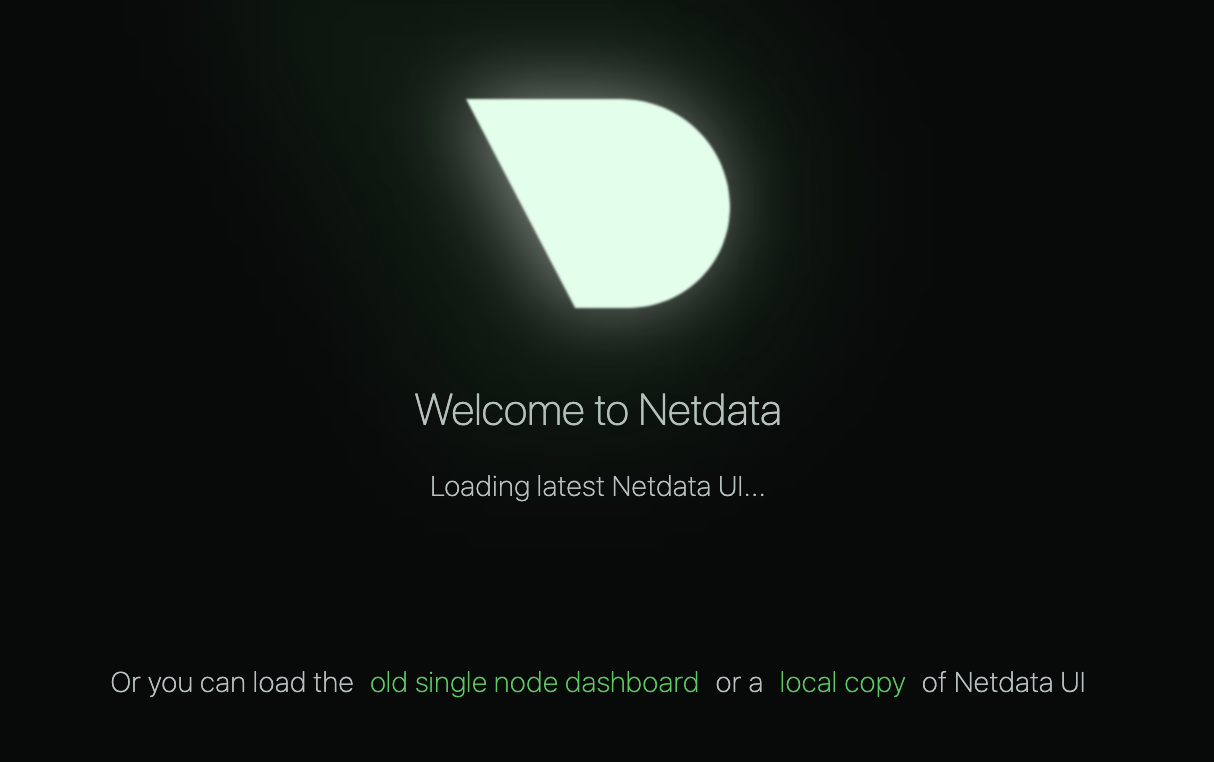
打开端口19999验证:
Open port 19999 to verify:
使用和配置密码 Use And Password Configuration
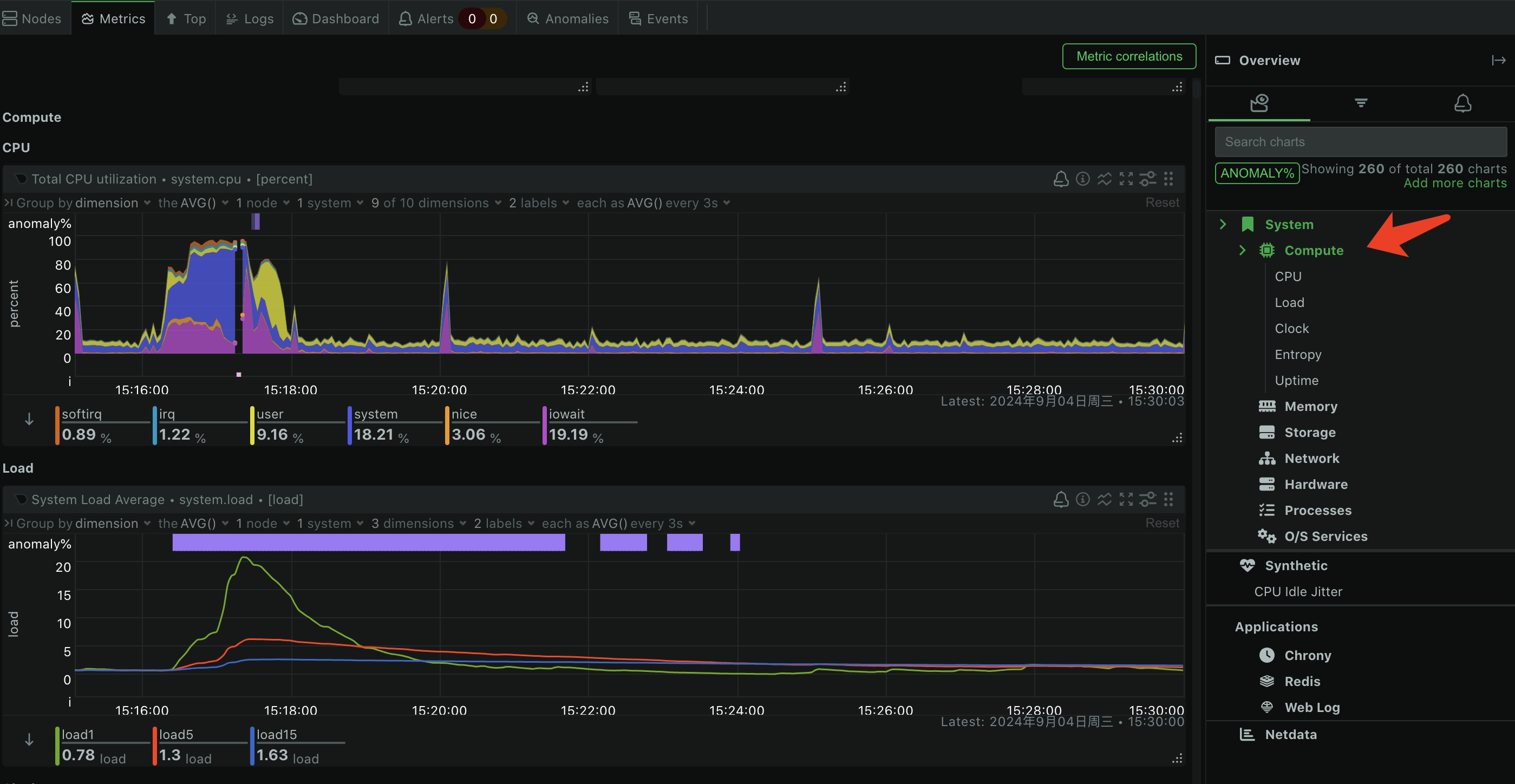
直接查看数据总览或者具体维度数据:
Directly view the data overview or specific dimension data: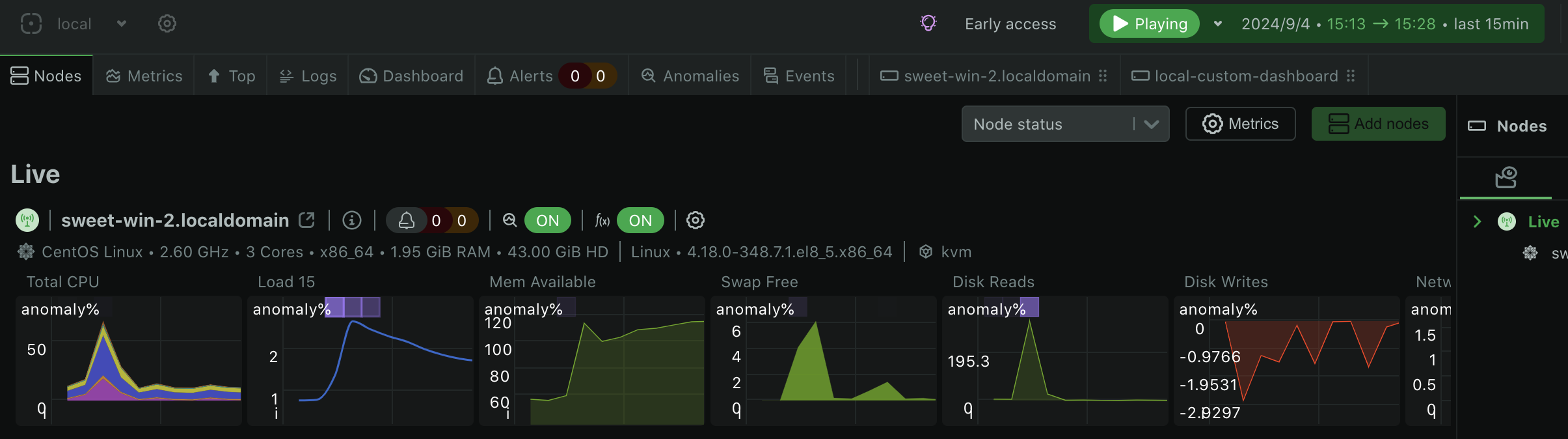
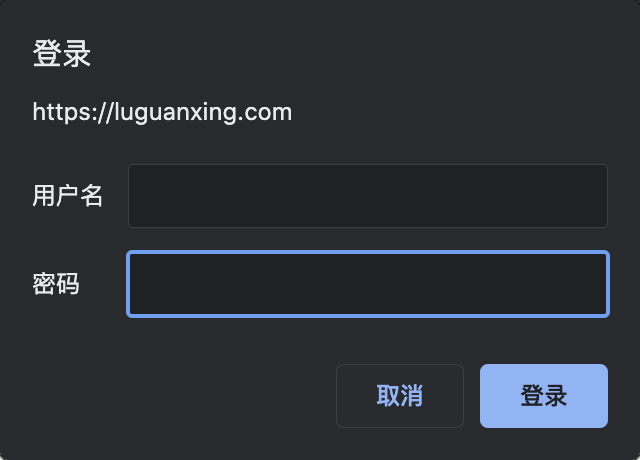
之后使用nginx配置密码,即可在域名下/netdata访问,以下为示例代码
Afterward, configure a password using Nginx, and you can access it under /netdata on your domain. Here is the code example:
printf "yourusername:$(openssl passwd -crypt yourpassword)\n" | sudo tee -a /etc/nginx/.htpasswd
server {
    listen 80;
    server_name your_server_domain_or_IP;

    location / {
        proxy_pass http://127.0.0.1:8080;
        proxy_set_header Host $host;
        proxy_set_header X-Real-IP $remote_addr;
        proxy_set_header X-Forwarded-For $proxy_add_x_forwarded_for;
        proxy_set_header X-Forwarded-Proto $scheme;
    }

    location /netdata/ {
        proxy_pass http://127.0.0.1:19999/;
        proxy_set_header Host $host;
        proxy_set_header X-Real-IP $remote_addr;
        proxy_set_header X-Forwarded-For $proxy_add_x_forwarded_for;
        proxy_set_header X-Forwarded-Proto $scheme;
        auth_basic "Restricted Content";
        auth_basic_user_file /etc/nginx/.htpasswd;
        sub_filter 'href="/' 'href="/netdata/';
        sub_filter 'src="/' 'src="/netdata/';
        sub_filter_once off;
        # Avoid Nginx buffering of the response
        proxy_buffering off;
    }
}